AI Line Art Generator
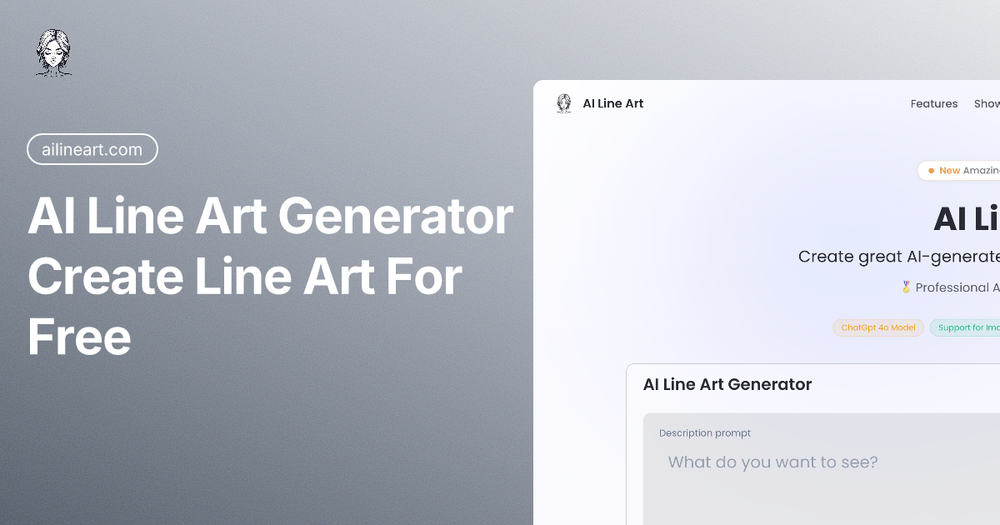
AI Line Art Generator is a web‑based AI art tool that converts uploaded photos or text prompts into clean, high‑quality line‑art illustrations. Powered by the latest ChatGPT‑4o model, it focuses exclusively on line‑art creation, delivering results in seconds while offering extensive customization.
Key Features
- One‑Click Generation – Upload an image or type a prompt and get a line‑art output instantly.
- Multiple Art Styles – Choose from sketch, pencil, woodcut, minimalist, continuous line, comic, architectural, fashion, vector, pixel‑art, 3D line render, and more.
- Image Upload Support – Use up to 5 reference images per batch to guide the AI or transform them directly into line art.
- Fast Processing – Optimized inference on ChatGPT‑4o provides results in seconds, not minutes.
- High‑Resolution Export – Download line art at high resolution, ready for print, digital projects, or further editing.
- Advanced Customization – Adjust aspect ratio, composition, lighting, color, and style via dropdown menus.
- Privacy Controls – Toggle Private mode to keep prompts and images off the server; optional watermark toggle.
- Free Trial & Tiered Pricing – Start for free with limited generations; Pro and Basic plans unlock higher limits, priority support, and no watermarks.
Practical Use Cases
- Graphic Designers – Quickly generate clean line illustrations for branding, logos, and marketing assets.
- Illustrators & Artists – Use as a sketching aid, explore style variations, or speed up concept creation.
- Tattoo Artists – Produce unique line‑art designs for clients without hand‑drawing every detail.
- Fashion Designers – Convert garment photos into crisp line sketches for technical flats.
- Architects & Interior Designers – Turn photos of spaces into line drawings for early‑stage presentations.
- Educators & Students – Create line‑art worksheets, coloring pages, or study diagrams.
Frequently Asked Questions
- What makes AI Line Art unique?
- It specializes in clean line illustrations using ChatGPT‑4o, offering higher fidelity for edges and contours than generic image generators.
- What is ChatGPT‑4o?
- OpenAI’s latest multimodal model with advanced image understanding, fine‑tuned for line‑art generation.
- Do I need artistic skills?
- No. The AI handles the technical drawing; you only need to provide a prompt or reference image.
- Can I use the results commercially?
- Yes. You retain full copyright to generated images, provided you respect third‑party rights.
- Is my content private?
- Private mode ensures prompts and uploads are not stored permanently or shared.
- How many images can I create?
- Free tier offers a limited number of generations; paid plans provide 100‑400 generations per month.
- Can I upload reference images?
- Absolutely – up to five per batch to guide style or directly convert.
- Why might generation fail?
- Inappropriate or copyrighted content can be blocked; rephrase the prompt to comply with policy.
Getting Started
- Upload a photo or enter a descriptive prompt.
- Select your desired style, aspect ratio, and any extra settings.
- Click Generate – watch the progress bar and receive your line art.
- Download the high‑resolution PNG or SVG for immediate use.
Explore the Community Gallery, share creations, and join the Discord for tips and updates.
Ready to turn any image into professional line art? Visit AI Line Art Generator and start creating for free today.