
Bhava
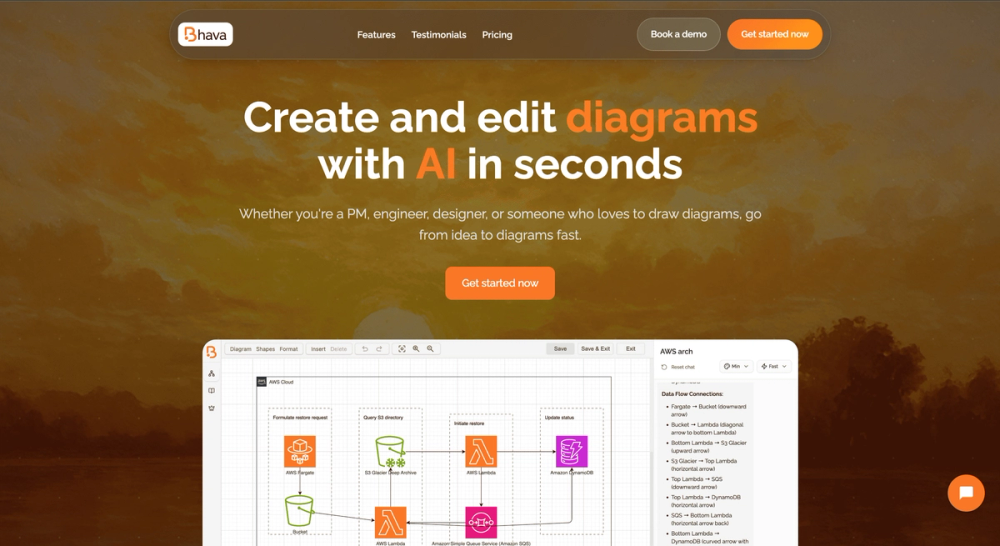
AI-powered diagram editor that creates flowcharts, architecture diagrams, UML, ERD, and more in seconds.
Introduction
Bhava – AI‑Powered Diagram Editor
Bhava is a web‑based diagramming platform that leverages generative AI to turn plain text prompts into professional‑looking diagrams instantly. It supports a wide range of diagram types—flowcharts, system architecture, UML, ERD, sequence diagrams, network maps, org charts, mind maps, hardware schematics, and more—making it a one‑stop solution for product managers, developers, engineers, and designers.
Key Features
- Instant AI Generation: Type a description (e.g., "AWS architecture for an admin portal") and receive a draft diagram within seconds.
- All‑in‑One Editor: Edit, style, and rearrange elements directly; add text, images, or sketches and let the AI recognize services and replace them with the correct AWS, GCP, Azure, Kubernetes, or library icons.
- Real‑time Collaboration: Multiple users can work on the same canvas simultaneously, with AI assistance to keep layouts clean.
- Import/Export Flexibility: Import from draw.io or Mermaid while preserving layers and styles; export to PNG, SVG, PDF, and other formats without lock‑in.
- Extensive Icon Packs: Built‑in libraries for cloud providers, networking, hardware, and software components.
- Free Tier & Transparent Pricing: Unlimited diagrams and AI generation on the free plan; paid Plus and Enterprise plans add higher rate limits, priority support, SSO, and custom integrations.
Use Cases
| Role | How Bhava Helps |
|---|---|
| Product Manager | Quickly visualize user flows, roadmaps, and feature dependencies for stakeholder presentations. |
| Software Engineer | Draft system architecture, API sequence diagrams, or database ERDs directly from design notes. |
| DevOps / Cloud Engineer | Generate accurate cloud infrastructure diagrams (AWS, GCP, Azure) from textual specifications. |
| UX/UI Designer | Create mind maps and flowcharts to map user journeys and interaction patterns. |
| Educator / Student | Produce clear diagrams for teaching concepts in computer science, physics, or engineering. |
Frequently Asked Questions
Q: Do I need to install anything? A: No. Bhava runs entirely in the browser; just visit https://bhava.app.
Q: Is a credit card required for the free plan? A: No. The free tier provides unlimited diagrams and AI generation without any payment information.
Q: Can I import existing diagrams? A: Yes. Bhava supports draw.io and Mermaid files, preserving layers, groups, and styles.
Q: How does the AI understand my sketches? A: You can paste a hand‑drawn sketch or a screenshot; the AI detects recognizable symbols and replaces them with appropriate icons while keeping everything editable.
Q: What security measures are in place for Enterprise users? A: Enterprise plans include Single Sign‑On (SSO), centralized billing, role‑based access control, and SLA guarantees.
Getting Started
- Visit the homepage and type a description into the chat‑style prompt.
- Click Send – the AI generates a draft diagram.
- Refine layout, edit text, or add custom elements.
- Export or share the diagram with your team.
Experience faster, smarter diagramming with Bhava – the AI assistant for all your visual communication needs.