
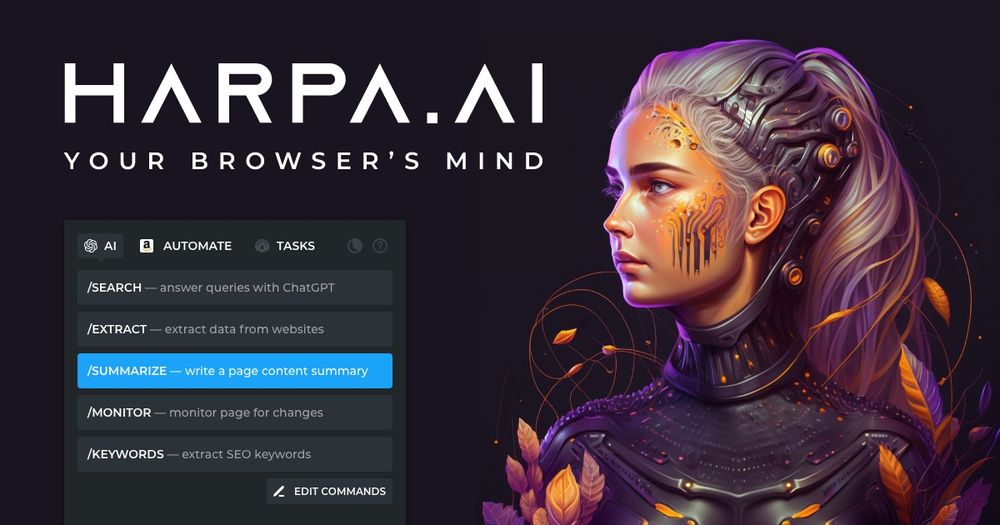
HARPA AI Browser Agent
A Chrome extension that unifies ChatGPT, Claude, Gemini, Perplexity, and more for web browsing, automation, and AI-powered tasks.
Introduction
HARPA AI Browser Agent
HARPA AI is a powerful browser extension that brings together leading large‑language models (OpenAI ChatGPT, GPT‑4o, Anthropic Claude 3.7, Google Gemini 2.5, Perplexity, DeepSeek, Meta Llama, etc.) with a hybrid automation engine. It lets you invoke AI on any web page, automate repetitive tasks, and extract or generate content directly in the browser.
Key Features
- All‑in‑One AI Hub – Access multiple LLMs (ChatGPT, Claude, Gemini, Perplexity, DeepSeek, Llama) via a single shortcut (Alt + A).
- Context‑aware Automation – HARPA can read page content, click elements, fill forms, and scrape data, then feed the results to an LLM for summarisation, transformation, or further actions.
- YouTube Summarizer & Talk‑to‑Video – Extract key takeaways, jump to timestamps, and interact with video transcripts.
- Gmail Assistant – Categorise, summarise, and draft replies in your own tone.
- Writer & Style Mimic – Generate emails, tweets, LinkedIn posts, SEO‑optimised articles, CVs, poems, and more while mimicking your personal style.
- SEO & Marketing Toolkit – AI‑driven keyword research, content calendars, SEO audits, and price‑drop alerts for e‑commerce sites.
- Ready‑to‑Use Prompts – Over 100 page‑aware automations for marketing, coding, recruiting, learning, and product development.
- Privacy‑by‑Design – Runs locally, no conversation logs stored on HARPA servers, GDPR‑compliant, optional local Llama models.
- Cross‑Platform Compatibility – Works in Chrome, Brave, Edge, Opera, and (planned) Firefox.
- Integrations – Trigger IFTTT, Zapier, Make.com, n8n; expose a CloudAI API for custom bots.
Typical Use Cases
| Domain | What HARPA Does | Benefit |
|---|---|---|
| Productivity | Summarise web pages, extract tables, automate repetitive clicks | Saves minutes on daily browsing tasks |
| Marketing & SEO | Generate keyword lists, audit SEO, create content calendars | Improves search rankings and content output |
| Learning | Translate, explain grammar, create quizzes, language practice | Accelerates language acquisition |
| Copywriting | Draft blog posts, social media captions, ad copy, Midjourney prompts | Consistent brand voice, faster content creation |
| Recruiting & HR | Refine CVs, write cover letters, generate interview questions | Streamlines hiring workflow |
| Product Development | Debug code, rewrite snippets, fetch StackOverflow answers | Faster development cycles |
| E‑commerce | Track price drops, monitor stock, extract product data | Increases competitive advantage |
Frequently Asked Questions
-
What is HARPA AI? A browser extension that combines LLMs with web automation to act as a copilot on any website.
-
Is there a free tier? Yes – a basic free plan with limited premium features; paid S plan starts at $12 / month (annual).
-
Do I need an OpenAI account? Only for using OpenAI models; you can also connect Claude, Gemini, DeepSeek, or your own local Llama.
-
How does privacy work? HARPA runs locally, never stores your page data; only prompts are sent to the chosen LLM provider.
-
Can I reuse a chat across tabs? Available on the S plan; dialogues stay on your device, not on HARPA servers.
-
What browsers are supported? Chrome, Brave, Edge, Opera (Firefox planned).
-
How to switch models? Use the model selector in the UI or type shortcuts like
-3for GPT‑3,-cfor Claude, etc.
Why Choose HARPA?
HARPA stands out by bridging AI and automation in a single, privacy‑first extension. It eliminates the need for separate summarisation tools, email assistants, SEO platforms, and web scrapers. Whether you are a marketer, developer, student, or busy professional, HARPA lets you harness the power of the latest LLMs directly inside the browser, turning any web page into an interactive AI‑powered workspace.