
MicMonster
Free online text‑to‑speech generator that creates natural‑sounding voiceovers in 140 languages with up to 300 characters per request.
Introduction
MicMonster – Free Voice‑Over Generator
MicMonster is a web‑based text‑to‑speech (TTS) platform that converts up to 300 characters of user‑provided text into realistic audio in seconds. The service supports 140 languages and 600+ voice styles, including male, female, and child voices, with optional accents. While the free tier offers basic conversion, a Pro subscription unlocks advanced editing, longer scripts (up to 12 000 characters), multi‑voice mixing, and fine‑tuned control over pitch, speed, and emphasis.
Key Features
- Natural‑Sounding Voices – Powered by state‑of‑the‑art AI models, delivering human‑like intonation and clarity.
- Extensive Language Library – 140 languages and multiple regional accents.
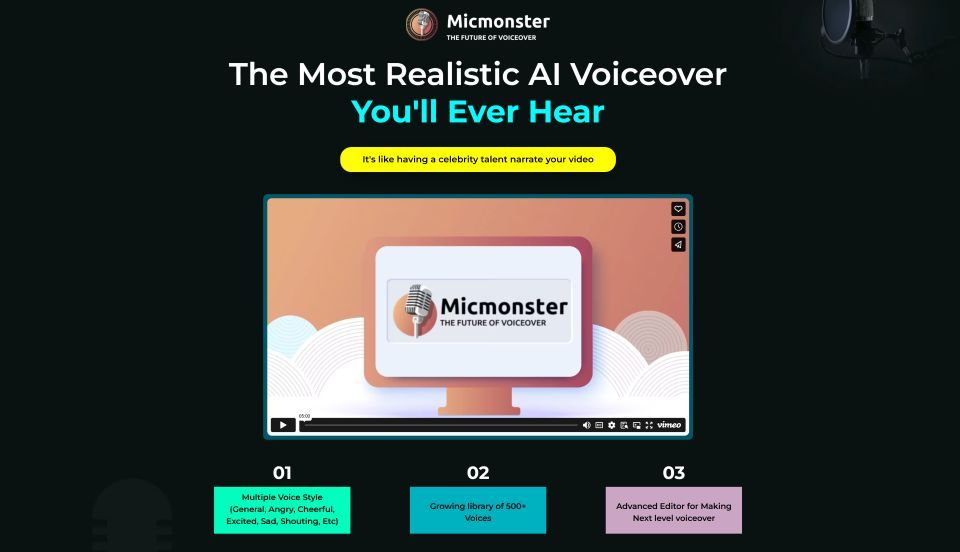
- Voice Styles & Emotions – Add excitement, calm, or other emotions to make content engaging.
- Advanced Editor (Pro) – Adjust rate, pitch, volume, pauses, and custom pronunciations via phoneme support.
- Multi‑Voice & Merge – Assign different voices to script sections and combine multiple audio files.
- Long‑Form Support (Pro) – Convert up to 12 000 characters in a single request.
- Download Options – Export as MP3 or WAV instantly.
- Free Trial & 50 % Discount – Limited‑time offers for annual and lifetime plans.
Typical Use Cases
- YouTube Creators – Generate narration for video scripts without hiring voice actors.
- Podcasters – Produce episode intros, ads, or full episodes quickly.
- E‑Learning – Create audio for courses, quizzes, and tutorials.
- Audiobooks & Storytelling – Convert manuscripts into spoken word.
- Corporate Training – Produce consistent voiceovers for internal training modules.
- Radio & Advertising – Generate spot scripts with professional tone.
- Multilingual Dubbing – Localize content across languages for global audiences.
Frequently Asked Questions
Q: Does the voice sound realistic? A: Yes. MicMonster uses advanced neural TTS models that mimic human speech, and Pro users can further refine tone and emphasis.
Q: Which languages are supported? A: Over 140 languages, including English (US, UK), Spanish, French, Chinese (Mandarin & Cantonese), Japanese, Hindi, Arabic, and many more.
Q: Can I use the generated audio on YouTube? A: Absolutely – the files are royalty‑free for personal and commercial use.
Q: Are both male and female voices available? A: Yes, each language offers male, female, and in some cases child voice options.
Q: How many characters can I convert for free? A: The free tier limits each request to 300 characters; you can generate multiple clips within the daily quota.
Getting Started
- Select a language from the dropdown.
- Choose a voice (Pro voices are marked).
- Enter your text (max 300 characters).
- Click Generate audio and listen or download the result.
- Upgrade to Pro for longer scripts, multi‑voice editing, and bulk downloads.
MicMonster empowers creators, educators, and businesses to produce high‑quality voiceovers instantly, eliminating the need for costly studio sessions.